Your music, ready to mix
Import your songs and Premix does the groundwork. It finds the tempo, key and beats of every track, then splits it into stems (vocals, drums, bass and the rest) so each part can be mixed on its own.
 Premixby Kron
Create the ultimate premade party mix. You choose the songs and craft the transitions, add the perfect visuals, then press play and enjoy the party.
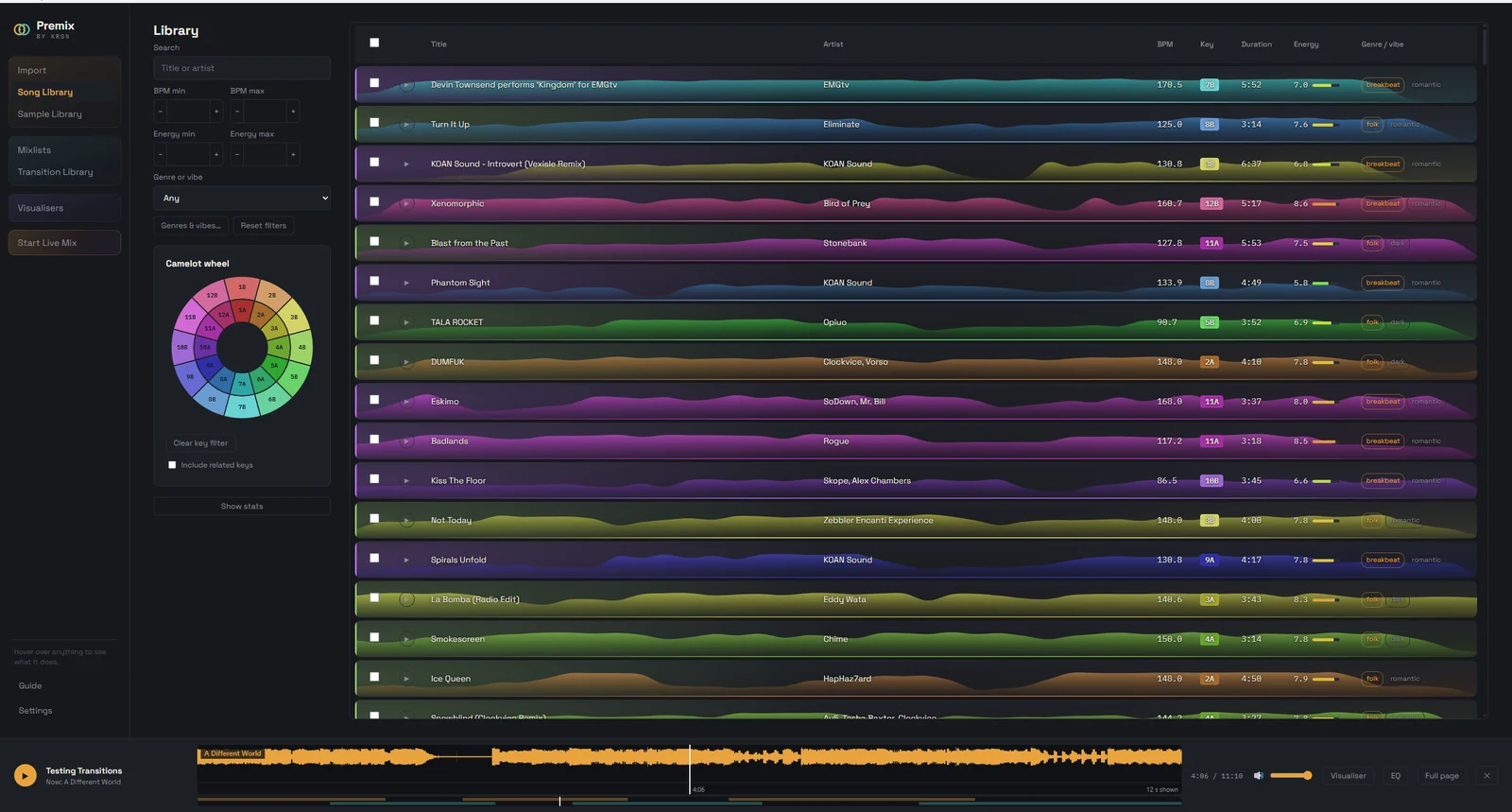
Import your songs and Premix does the groundwork. It finds the tempo, key and beats of every track, then splits it into stems (vocals, drums, bass and the rest) so each part can be mixed on its own.
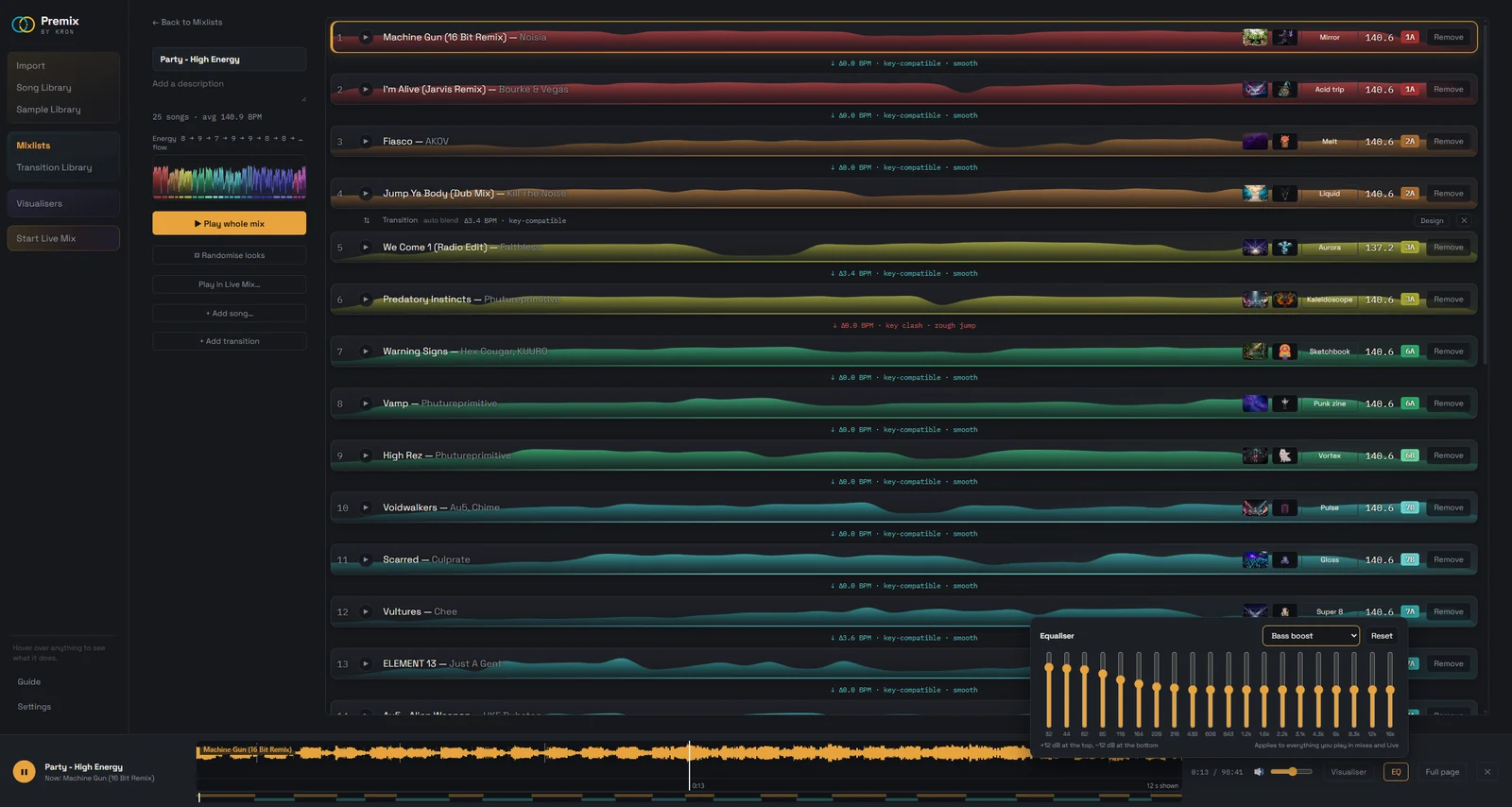
Pick your songs and arrange them yourself, or let Premix put them in a smooth order by tempo and key, and suggest what fits next.
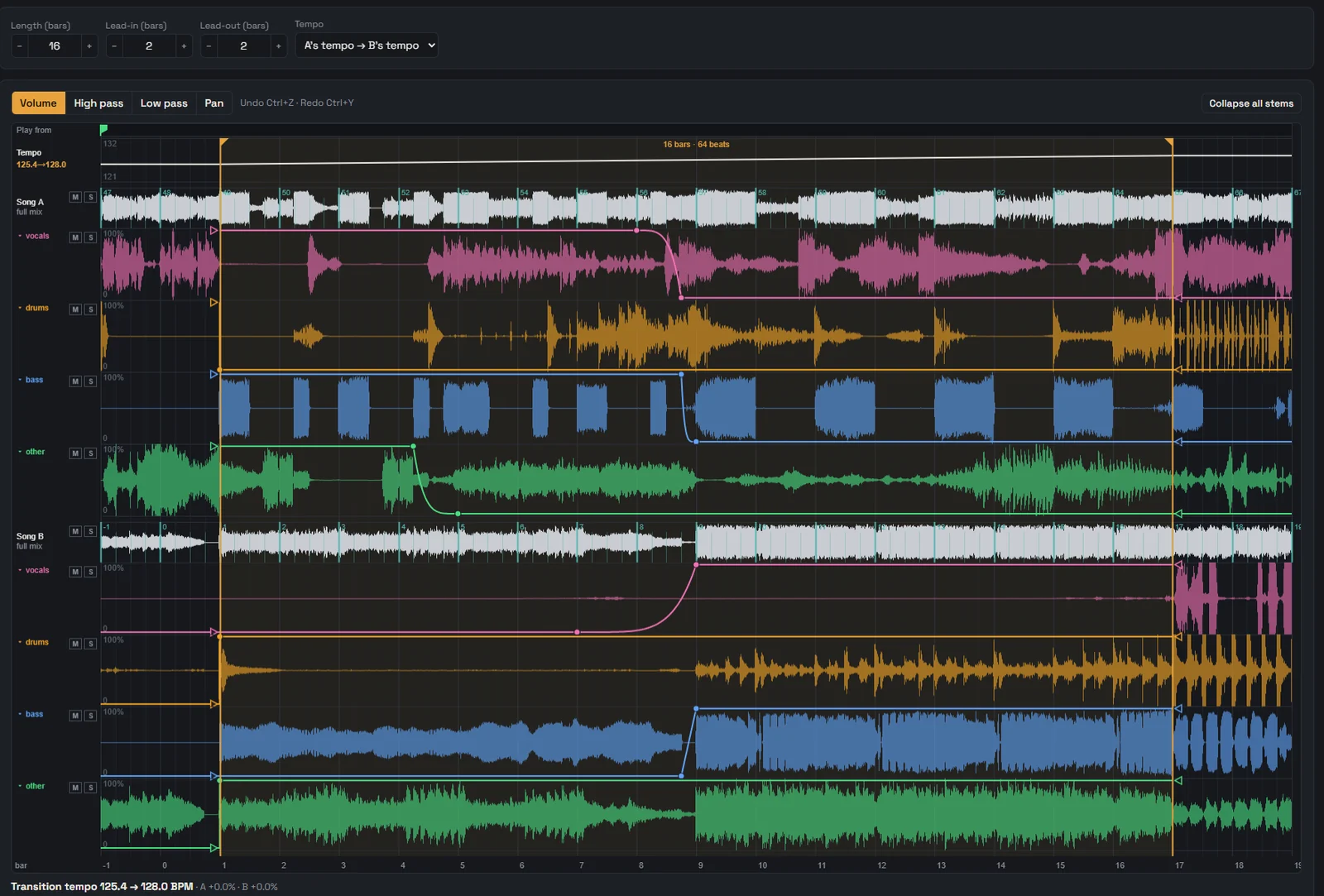
Shape exactly how one song becomes the next. Ramp the tempo, shift the key, and fade, filter or swap individual stems across the blend, all locked to the beat.
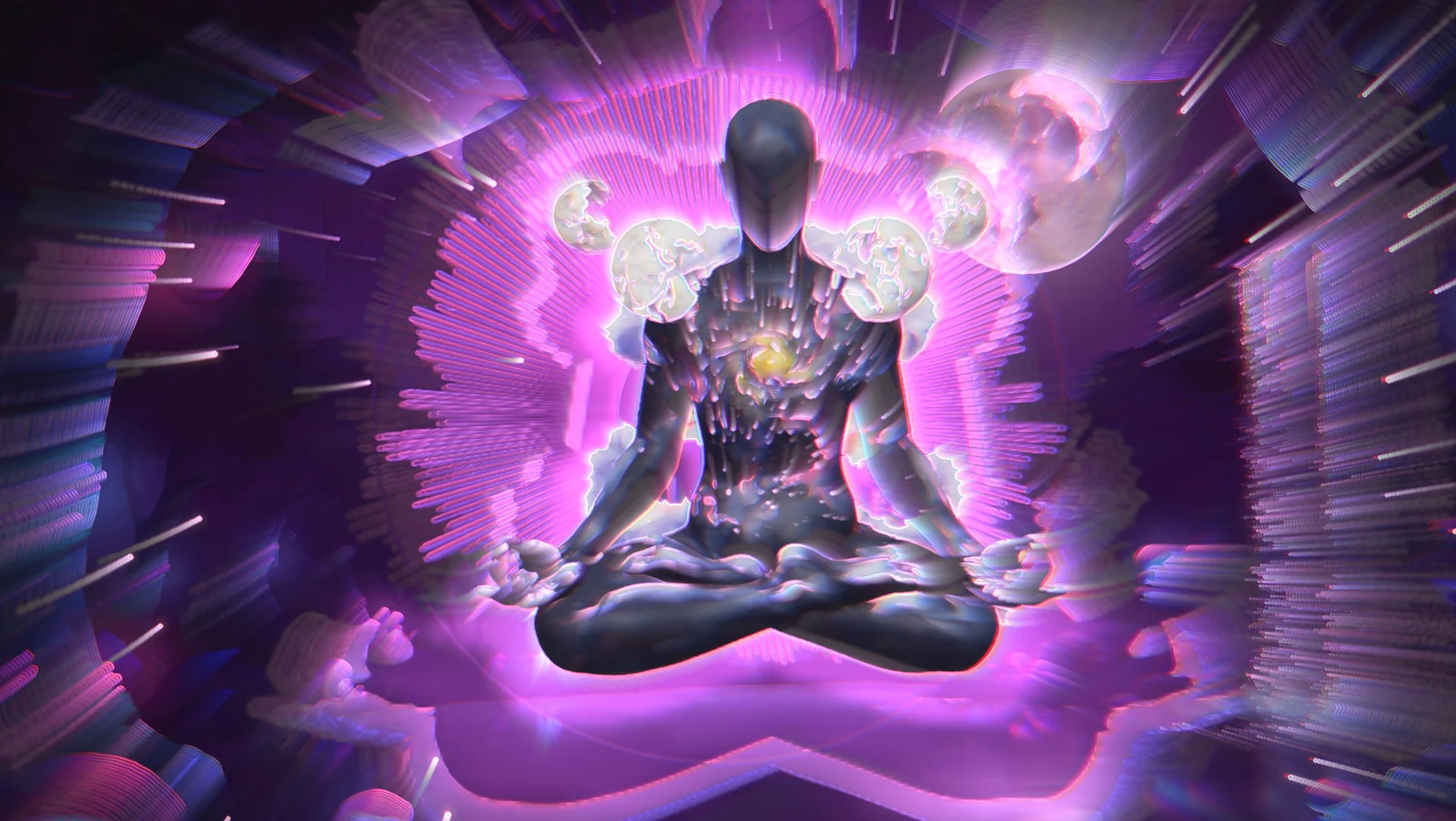
Give every song its own look. Choose a visualiser style and make it yours with your own pictures, videos and 3D models, all moving with the music.
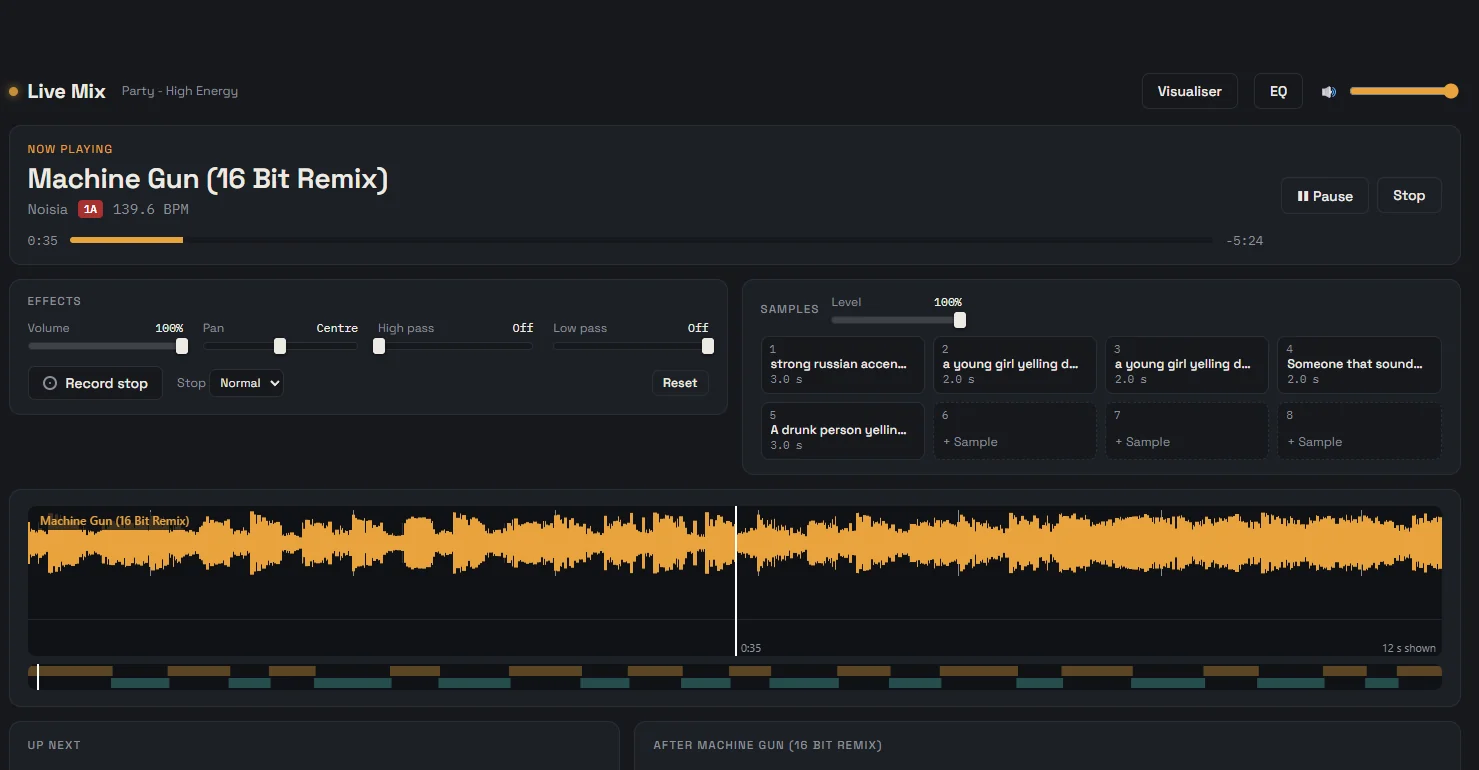
Let the whole mix run from start to finish, or switch to Live Mix and choose the next song on the fly. Either way, your transitions carry every change.
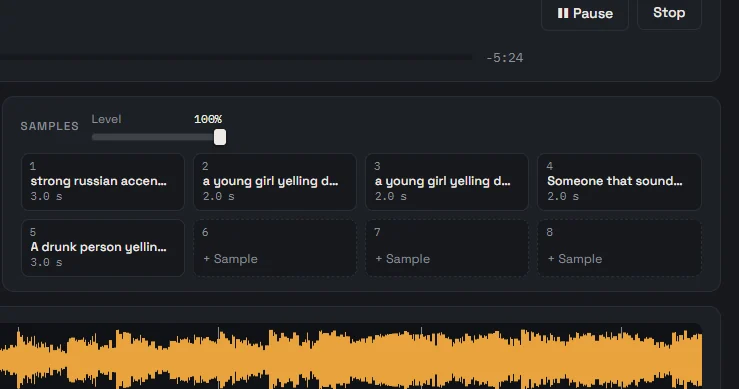
Bring in your own samples or create new ones, then fire them from the sample pads while the mix plays: horns, risers, shout-outs, whatever the party needs.